



Interactive Tools in Claude: How AI Is Becoming a True Work Interface
What are interactive tools in Claude
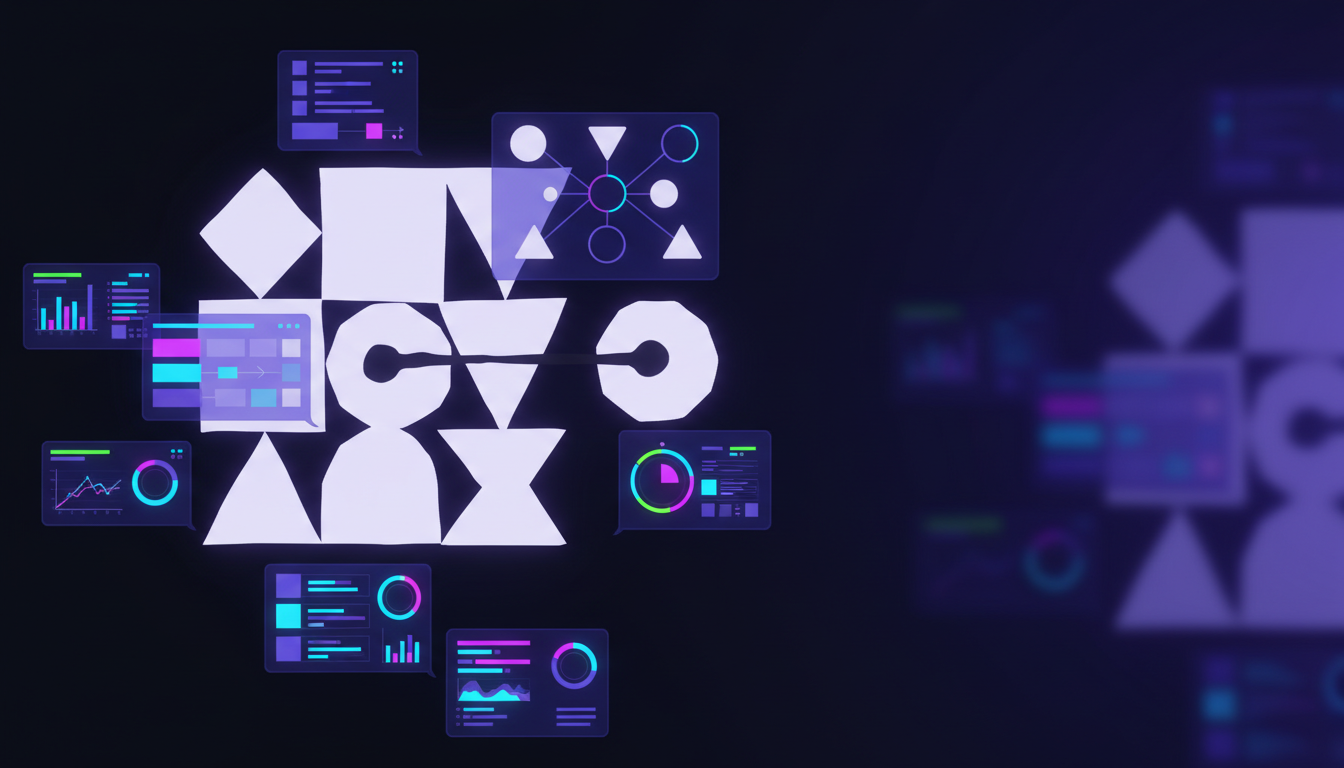
Interactive tools allow Claude to open, visualize, and modify third party applications within the conversation. Rather than returning static text responses, Claude can render live UI elements from tools like project managers, analytics platforms, and design software.
This turns Claude into an orchestration layer rather than just an assistant. The AI is no longer only describing what to do. It is actively operating within your tools.
How this differs from traditional AI integrations
Most AI integrations today focus on data access or text generation. Interactive tools go further by introducing real interaction with application interfaces.
With Claude, you can:
- View dashboards instead of receiving summaries
- Edit tasks instead of drafting instructions
- Adjust visual elements instead of exporting files
The result is a more continuous and contextual workflow where AI actions are visible and verifiable.
Key tools currently supported
Claude launched interactive support for several widely used platforms. These integrations are designed to cover analytics, collaboration, design, and project management.
Asana
Claude can create, update, and visualize tasks and timelines directly. This is especially useful for turning conversations into structured execution without manual follow up.
Amplitude
Users can explore product analytics interactively, build charts, and refine queries without leaving the AI interface. This lowers the barrier between questions and insights.
Slack
Claude can search message history, draft posts, and preview messages before sending. This helps teams maintain tone and clarity while working faster.
Figma
Claude can generate and display diagrams, flowcharts, and planning visuals. This is useful for early product thinking, architecture discussions, and documentation.
Box, monday.com, and Clay
These tools extend Claude into document management, project tracking, and relationship data. Claude can surface information, update records, and provide structured views inside the chat.
Why interactive tools matter for productivity
Interactive tools represent a shift from AI as a helper to AI as a workspace participant.
Reduced context switching
Work happens in one place. There is less need to jump between tabs, tools, and interfaces.
Faster execution
Ideas move directly into action. Tasks, visuals, and data updates happen as part of the conversation.
Better alignment across teams
Because changes are visible and grounded in real interfaces, teams can collaborate with less ambiguity and fewer handoffs.
Built on an open integration model
Claude’s interactive tools are powered by the Model Context Protocol, an open standard designed to make AI integrations extensible and consistent. This approach allows more tools to become interactive over time without hard coupling to a single vendor or platform.
For engineering and product teams, this signals a future where AI agents can operate across systems in a transparent and auditable way.
What this means for AI driven teams?
Interactive tools move AI closer to becoming a true operational layer for modern work. Instead of asking AI for advice and then acting separately, teams can increasingly act through AI itself.
For organizations exploring agentic workflows, AI assisted product management, or tool orchestration, Claude’s interactive tools offer a practical example of where this evolution is heading.