




Testim vs Functionize vs Applitools: Which AI Testing Platform Fits Your QA Strategy?
What These Tools Have in Common
Before diving into differences, all three platforms share a set of core capabilities:
- AI assisted test creation
- Self healing test automation
- Support for web and mobile testing
- CI and CD integration
- Scalable cloud execution
- Collaboration features for development and QA teams
Despite these similarities, their approaches and architectures vary significantly.
Testim vs Functionize vs Applitools: High Level Comparison
Testim: AI Driven Functional Testing for Fast Moving Teams
Testim focuses on accelerating how teams create and maintain functional tests. It uses machine learning to identify stable locators and automatically adjust tests when UI elements change.
Key strengths
- Very fast test creation with a low learning curve
- Self healing locators that reduce maintenance costs
- Strong integration with CI and Git based workflows
- Reusable components and test steps
- Good balance of codeless and code based customization
Limitations
- Visual validation is more basic compared to Applitools
- Best suited for functional testing, not full enterprise level orchestration
Best for
- Agile teams
- Startups and mid size companies
- Products with frequent UI changes
- Engineering orgs looking for fast test creation and quick ROI
Functionize: Enterprise Grade AI Testing With NLP Based Automation
Functionize offers a more advanced testing approach with AI models that interpret tests using Natural Language Processing. Its architecture focuses on large scale environments and complex enterprise applications.
Key strengths
- Natural Language Test Automation for non technical roles
- Extensive machine learning models that understand app behavior
- Strong test suite management for very large organizations
- Deep insight dashboards that help with debugging
- Scales horizontally for global teams
Limitations
- More complex implementation process
- Higher cost for small or mid sized teams
- Not as specialized in visual validation as Applitools
Best for
- Enterprise QA organizations
- Systems with complex workflows
- Teams with large regression suites
- Companies that need high scale and high coverage with minimal maintenance
Applitools: Visual AI for Pixel Perfect User Interfaces
Applitools is the industry leader in visual AI testing. Rather than focusing on functional logic, it analyzes UI changes with exceptional accuracy.
Key strengths
- Best in class visual regression testing
- Ability to detect layout shifts, spacing differences, and subtle UI bugs
- Cross browser and cross device visual consistency
- Works with existing test frameworks, including Selenium and Cypress
- Advanced baselines and automated visual diffs
Limitations
- Not a full functional automation solution
- Requires pairing with another testing tool or framework for end to end coverage
Best for
- Teams focused on UI quality
- Front end heavy applications
- Cross browser testing
- Design system validation and accessibility reviews
Choosing the Right Tool: Decision Guide
Use the guide below to select the best match for your team.
Final Thoughts
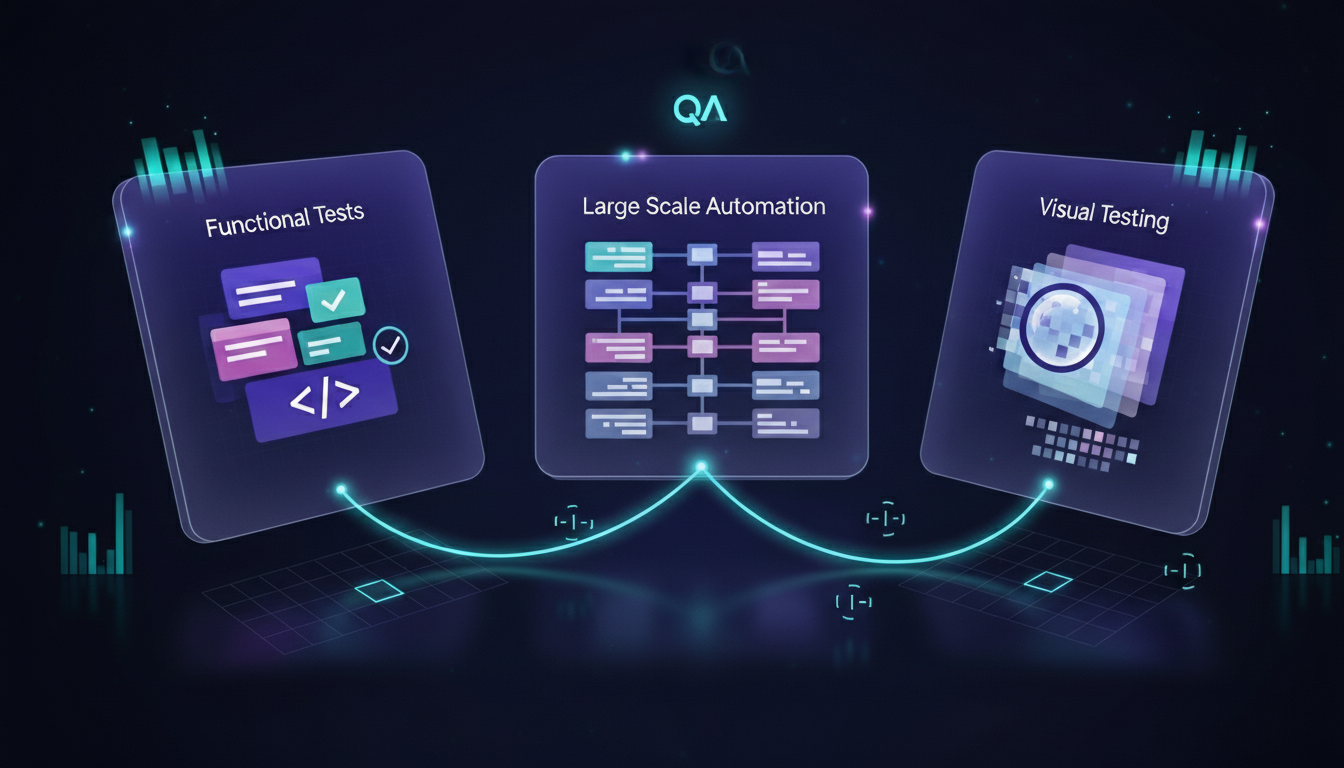
Testim, Functionize, and Applitools each represent different philosophies within AI powered software testing.
- Testim focuses on fast, adaptive functional tests.
- Functionize offers enterprise depth, scale, and NLP driven automation.
- Applitools delivers unmatched visual accuracy for UI quality.
The best choice depends on whether your priority is functional speed, enterprise scale, or visual consistency. Many engineering teams use more than one tool, combining strengths to build a complete intelligent QA pipeline.
Ready to upgrade your QA strategy with modern AI powered testing tools?
Talk to our engineering team and discover how to design a smarter, faster, and more reliable testing pipeline.
Contact Amplifi Labs to get started.